Pause selected apps
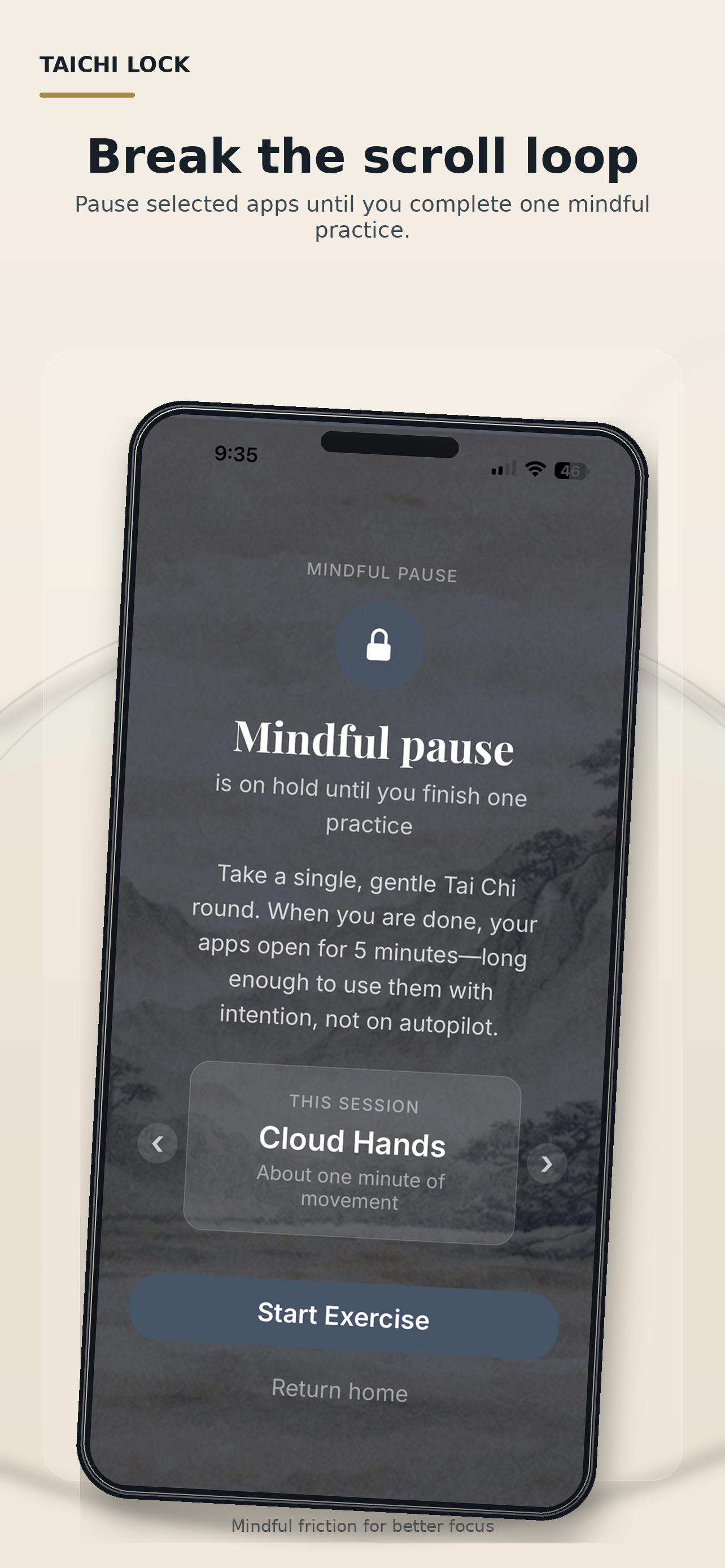
Choose apps you want to interrupt using Apple Screen Time. Taichi Lock creates a mindful pause before those apps reopen.
 Taichi Lock
Mindful friction for distracting apps
Taichi Lock pauses distracting apps and helps you unlock them with short Tai Chi-inspired movement resets.
Built for iPhone and iPad using Apple Screen Time controls.
How it works
Taichi Lock adds a short body-based reset before you return to selected apps.
Choose apps you want to interrupt using Apple Screen Time. Taichi Lock creates a mindful pause before those apps reopen.
Follow a gentle Tai Chi-inspired movement such as Cloud Hands, Toe Lifts, Heel Lifts, or Ankle Twists.
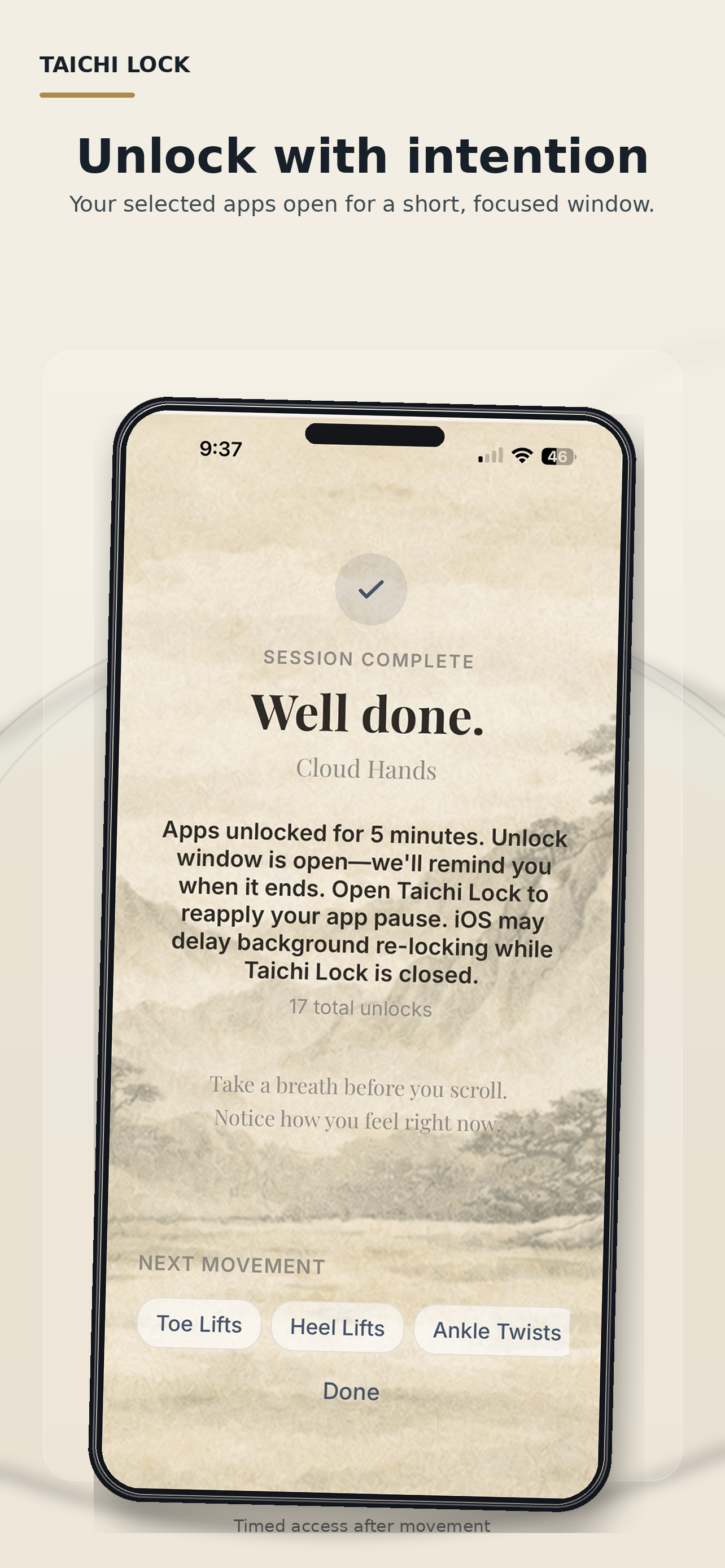
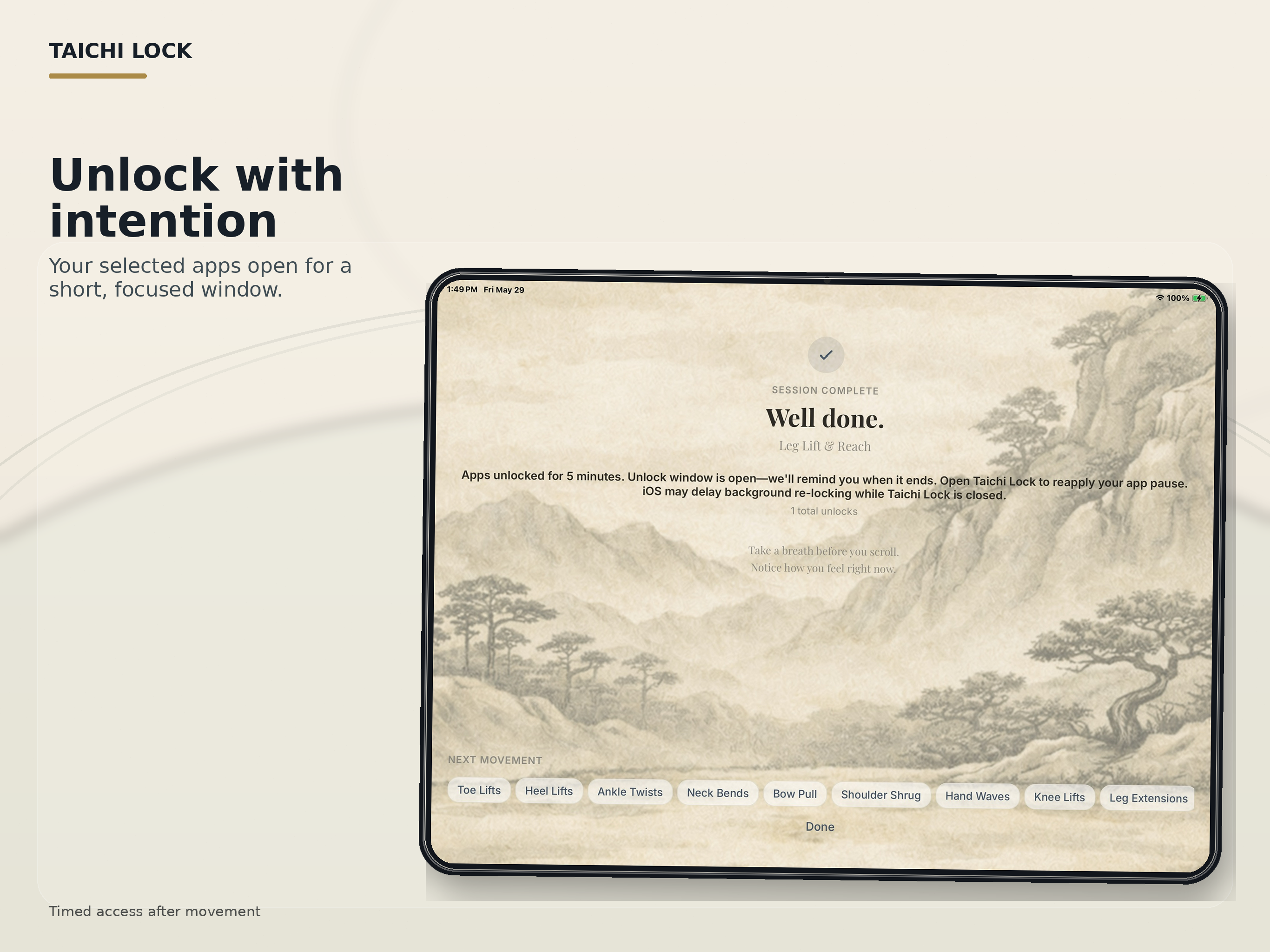
After practice, your selected apps open for a short window. When time is up, Taichi Lock reminds you to reapply your app pause.
Move before you scroll
The goal is not punishment. It is a brief interruption that helps break autopilot app habits.
Focus schedule
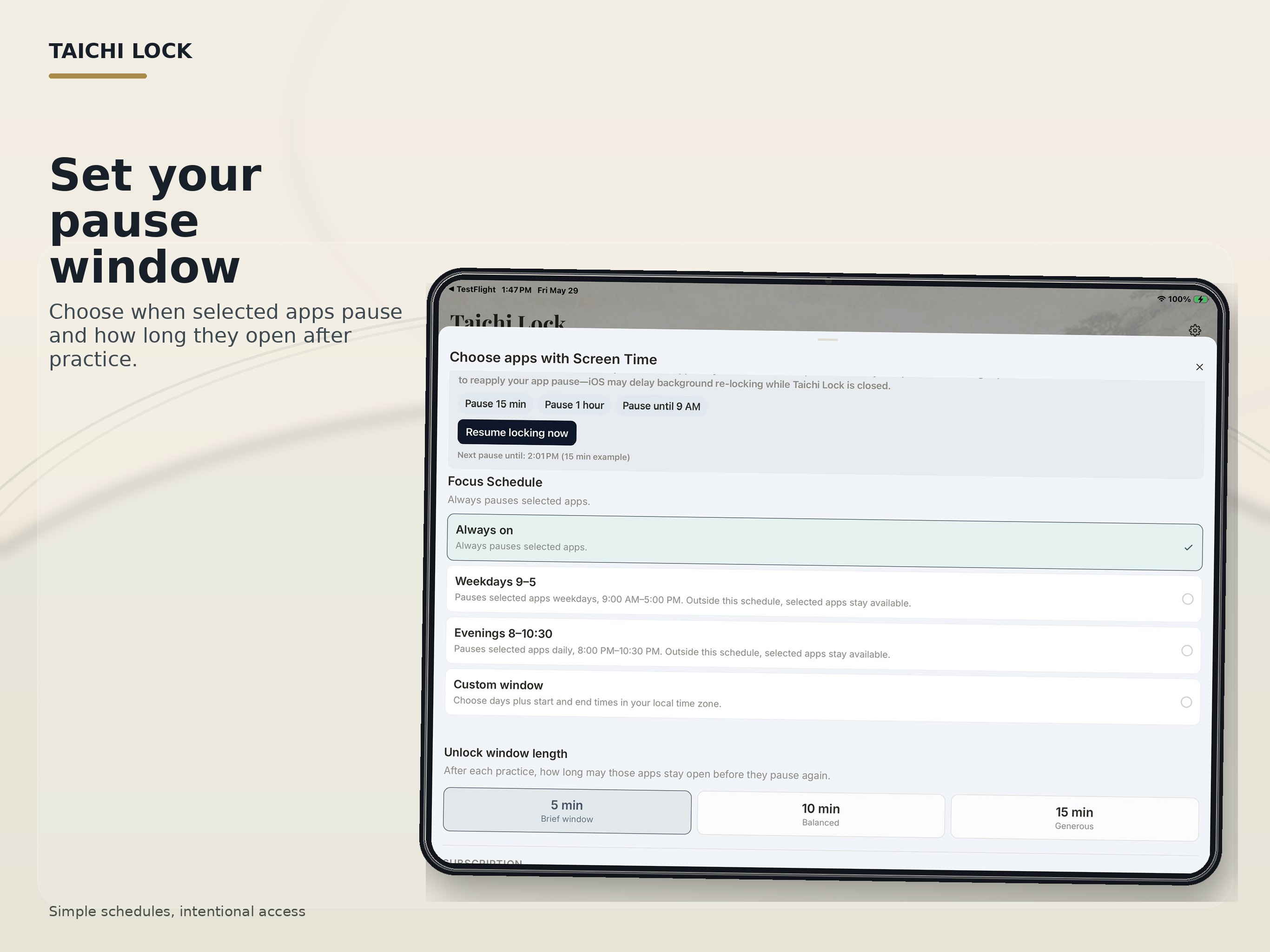
Use Always On, work hours, evenings, or a custom schedule. Outside your focus window, your selected apps can stay available.
Unlock window
Complete a movement reset to open a focused access window. When the window ends, Taichi Lock can remind you to reopen the app and reapply your pause.
Privacy-aware by design
Apple keeps selected app details private. Taichi Lock works with Screen Time controls and uses privacy-preserving app selection where supported. Notifications are used to remind you when an unlock window ends; they do not relock apps by themselves.
Taichi Lock is designed for mindful friction, gentle movement, and more intentional app use.
Download on the App StoreReal movement, real pause
Taichi Lock turns an impulse-open into a short movement reset, helping you return to your phone with more intention.